
A MacBook Air charges perfectly well with its included adapter, but the difference becomes obvious when the battery needs a quick top-up before leaving. Fast charging is not simply about buying the adapter with the biggest number. The Mac model, adapter, and cable have to work as a set.
This guide covers MacBook Air models from 2022 onward, using the Apple 70W USB-C Power Adapter and the Beats USB-C to USB-C Braided Cable 240W, 3m. MacBook Pro requirements vary by model, so the same rule should not be applied there without checking first.
What a MacBook Air needs for fast charging
Apple says a compatible MacBook Air can charge to up to 50 percent in about 30 minutes when it is connected to the right power source and cable. The important parts are the compatible model and the complete charging combination.
- Eligible models: This guide starts with MacBook Air models from 2022 onward. Older MacBook Air models and MacBook Pro models can have different requirements.
- Adapter: The Apple 70W USB-C Power Adapter is an easy fast-charging option for MacBook Air. It is not a universal minimum for every MacBook. Some 13.6-inch MacBook Air models also support fast charging with the Apple 67W adapter.
- Cable: Use the included USB-C to MagSafe 3 cable for the MagSafe 3 port, or a USB-C cable that can carry the required power when charging through a USB-C port.
In other words, 70W is not a blanket minimum for every Mac. It is a useful baseline for setting up fast charging on a compatible MacBook Air. If the exact model is unclear, check About This Mac before buying an adapter or cable.
Choosing a USB-C cable for a 70W adapter
When charging directly through USB-C, check the wattage printed on the cable. A 60W cable tops out at 60W even when the adapter can supply 70W. If the goal is 70W charging, a USB-C cable rated for 100W or more leaves enough headroom.
A 240W cable does not make a MacBook charge faster than a 70W cable by itself. The MacBook and adapter negotiate the actual power. The advantage of the Beats 240W cable is that it has more than enough capacity for 70W charging and will not become the limiting part when it is connected to a higher-output USB-C device later.
| Cable | Rated charging power | How to choose for MacBook Air |
|---|---|---|
| 60W USB-C cable | Up to 60W | Fine for ordinary charging, but it cannot pass the full output of a 70W adapter. |
| Beats USB-C to USB-C Braided Cable 240W | Up to 240W | More than enough for 70W charging. A good fit when the 3m length and woven finish are useful. |
Using the Beats 240W 3m cable
I use the Beats USB-C to USB-C Braided Cable 240W for MacBook charging. The first thing that stands out is not the 240W number, but the fabric-braided finish and the 3-meter length. It feels noticeably different from a standard rubber-sleeved cable when it sits on a desk or comes out of a bag.
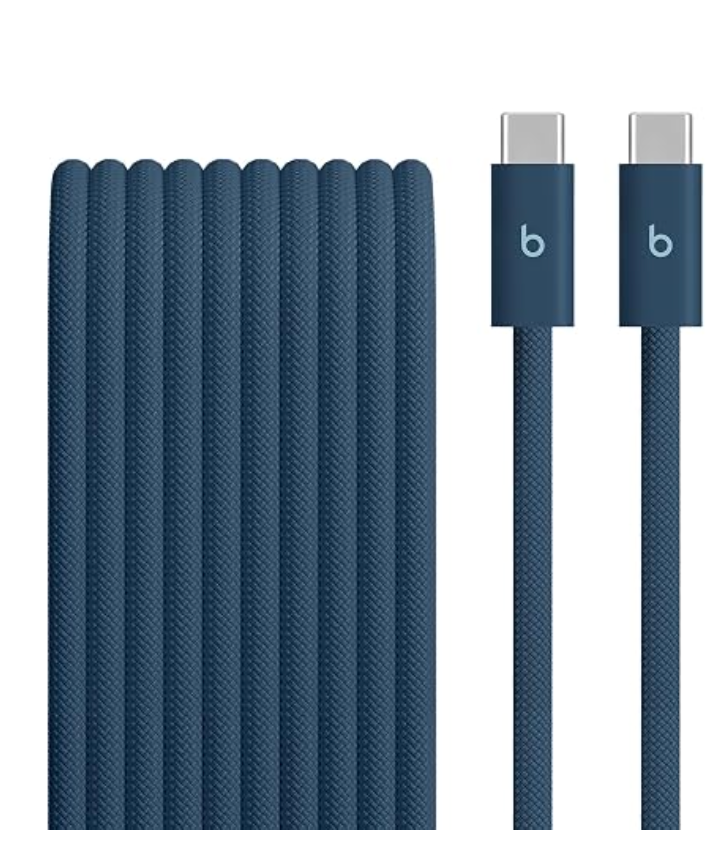
I chose the 3-meter version because the outlet is always just a little too far from the bed or sofa. In daily use, it comes out of a bag with far less untangling than the rubber cables I have used before. Not having to move the MacBook right next to the outlet sounds minor, but it has made the cable one I reach for often.
There is a tradeoff. If the cable will only be used at a fixed desk or carried in a bag every day, 3 meters can feel excessive. A shorter cable is better in that case. The length is not automatically an advantage; the distance from the outlet to where the MacBook is used is the real reason to choose it.
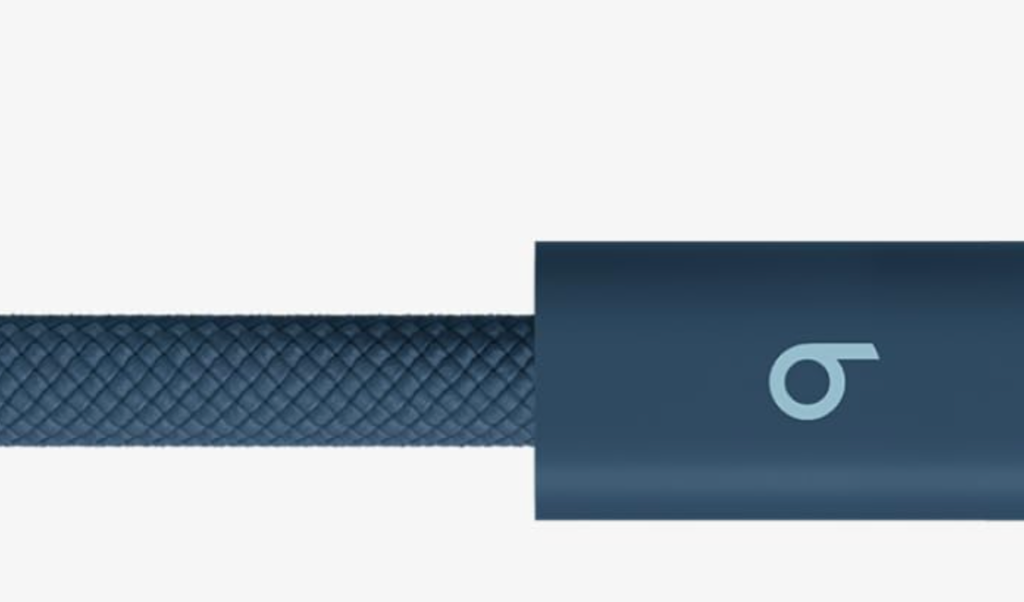
One buying detail: it is USB 2.0 for data
The Beats 240W cable is well suited to charging, but it is not the cable to buy for external SSD transfers or high-resolution monitor connections. Its data speed is USB 2.0, so a USB 3 or Thunderbolt cable is the better separate choice for those tasks.
A 3-meter USB-C charging cable for seats far from an outlet, with up to 240W charging and USB 2.0 data transfer.
This post contains affiliate links. If you purchase through these links, we may earn a commission at no additional cost to you.