
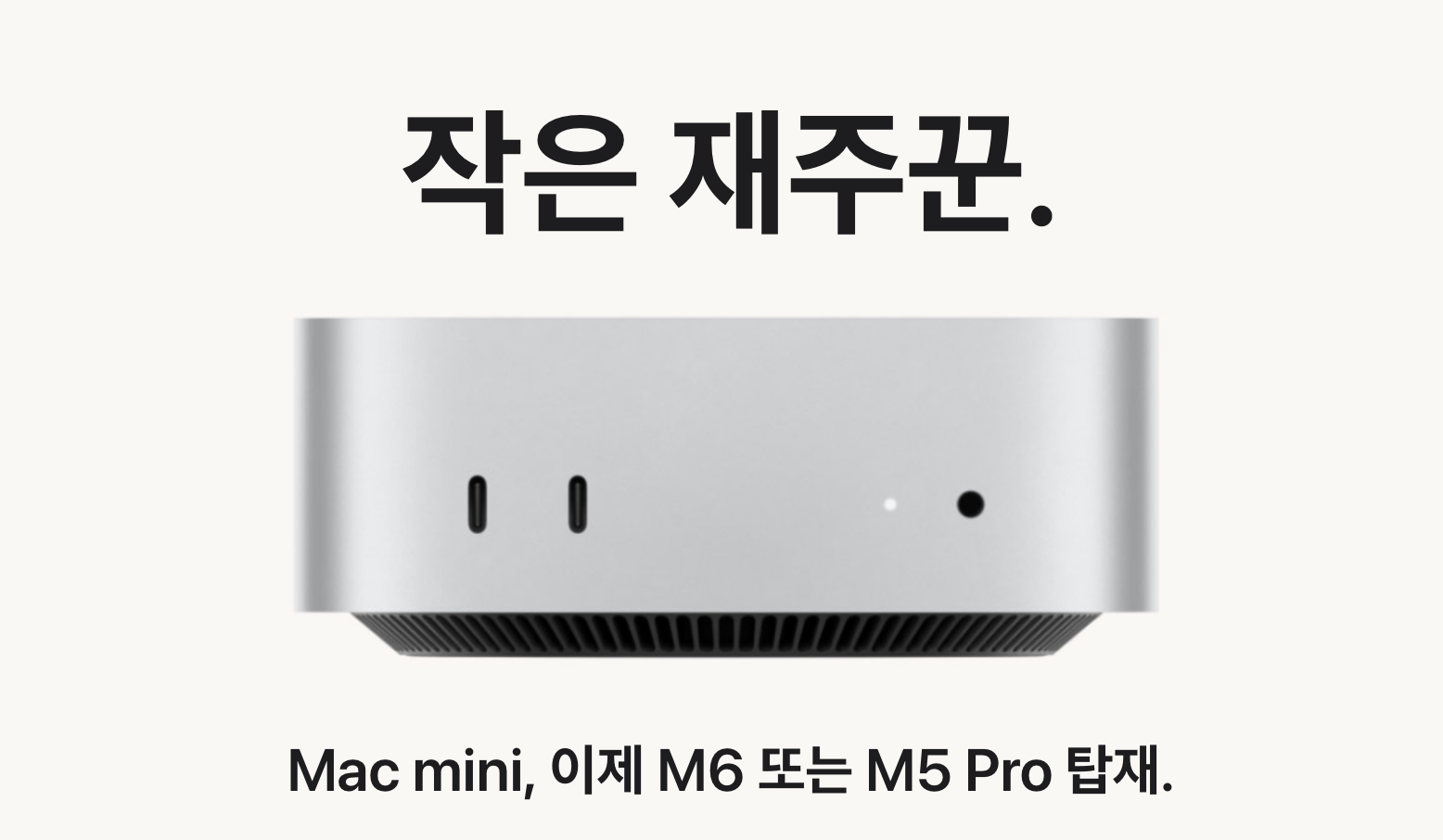
The 2026 Mac mini is no longer being pitched only as a small, quiet desktop. With M6 and M5 Pro options, Apple is also presenting it as a machine that can stay on and handle agent-style tasks. That makes it interesting for local AI, but the headline needs some unpacking.
“Up to 4× faster for AI” does not mean an M6 Mac mini replaces every cloud model, or that every local model writes answers four times faster. Local LLM work runs into unified memory, model size, context length, and the app’s execution engine long before it runs into a marketing number. The useful question is not whether it can run AI. It can. The question is which work should live on the Mac mini, and how much memory that work actually needs.
Start with unified memory, not the AI headline
The M6 model starts at 16GB of unified memory and can be configured with 24GB or 32GB. Apple lists up to 170GB/s of memory bandwidth for the higher-memory M6 configurations. The M5 Pro starts at 24GB, reaches 64GB, and has 307GB/s of memory bandwidth. Those differences are not small once a model, its context cache, macOS, and the rest of a working desktop are all sharing the same memory pool.
| Area | M6 | M5 Pro | Why it matters locally |
|---|---|---|---|
| Unified memory | 16GB, 24GB, or 32GB | 24GB, 48GB, or 64GB | Model size, context headroom, and how much else can stay open |
| Memory bandwidth | Up to 170GB/s | 307GB/s | How quickly an in-memory model can be fed during inference |
| GPU | 12 cores with Neural Accelerators | Up to 20 cores with Neural Accelerators | Acceleration available to supported local inference engines |
| Best fit | Small local models, automation, general desktop use | Larger models, longer contexts, heavier creative work | Choose the operating pattern, not a benchmark headline |
That is why a fully configured M6 and an entry M5 Pro should not be compared only by sticker price. Pick the memory ceiling first. The processor decision becomes much clearer after that.
What Apple’s “up to 4× faster” claim actually measures
Apple says the M6 Mac mini can be up to four times faster for AI workloads than the M4 model. It also cites up to 4.8× faster LLM prompt processing in an LM Studio test. Prompt processing is the part where the model reads a long instruction, document, or conversation before it starts answering.
That is useful for long documents and retrieval-style workflows. It is not the same as a guarantee that token-by-token output will be four times faster. Output speed changes with the model, quantization, context length, and whether the app can use the new accelerators effectively. Apple does not publish a single universal “tokens per second” number, so it is better to wait for like-for-like independent tests than to fill that gap with a neat-looking estimate.
The Neural Engine count alone is not a shortcut either. Tools such as Ollama and LM Studio can split work differently across the GPU, CPU, and other accelerators. What Apple has established is the new hardware layout and a strong prompt-processing result in LM Studio, not a fixed multiplier for every open-source model.
How much model can 16GB, 24GB, or 32GB hold?
The download size is the first reality check. A 4-bit model can look modest on disk, but running it also needs room for macOS, the inference app, the KV cache that holds the conversation, browser tabs, and whatever automation is running beside it. Longer context windows consume more memory than people expect.
- 16GB: A reasonable place to test 7B to 8B-class 4-bit models and small scheduled tasks. It becomes tight once a browser, IDE, containers, and a longer conversation are open at the same time.
- 24GB: The practical middle ground for 8B to 14B-class 4-bit models alongside normal desktop work. It suits document classification, summaries, structured rewrites, and lightweight coding assistance.
- 32GB: More room for a 14B model with a longer context, and sometimes room to experiment with selected 20B to 30B-class 4-bit models. It is not a promise that every 32B model will be comfortable: architecture and cache use still matter.
- 48GB or 64GB: M5 Pro territory for people who already know they need larger models, longer contexts, or several AI tasks to stay resident.
Service names are a poor way to judge this. DeepSeek, Kimi, and similar families can include small distilled models as well as originals that need tens or hundreds of gigabytes. Check the parameter count, quantization, and actual download size before assuming a model is suitable for a 32GB Mac mini.
The M6 with 24GB and 512GB is the most balanced starting point
For someone who wants a personal local model, a few automations, and a normal Mac desktop, the M6 with 24GB of unified memory and a 512GB SSD is the configuration that makes the most sense. It has substantially more breathing room than 16GB without pushing the price close enough to M5 Pro territory that the comparison becomes awkward.
The 512GB recommendation is not glamorous, but it is practical. A few 10GB-class models, development tools, containers, and work files consume a 256GB drive surprisingly quickly. Models can live on an external SSD, but that adds cable management and makes different tools’ default directories more annoying to maintain.
The recommendation changes when the target workload is already clear. A couple of small models can be explored on the 16GB base configuration. Frequent work with 30B-class models, long contexts, or image generation is a reason to compare 48GB or 64GB M5 Pro configurations first. Running truly large original models is a different budget and usually a different machine class.
A 24/7 agent hub is useful, but it is not a cloud-model replacement
The Mac mini makes sense as an always-on automation hub because it is small, quiet, and easy to administer remotely. Repetitive classification, private document processing, structured cleanup, and fixed-format jobs are exactly the kinds of work that small local models can handle well. They also keep working when the network is unavailable and do not add a per-call bill.
That does not erase the value of cloud models. Complex reasoning, very large context windows, web-aware research, and demanding multimodal work remain areas where a local 24GB or 32GB setup will have clear limits. The more realistic arrangement is hybrid: leave routine and private jobs on the Mac mini, then send the few expensive or difficult requests to a cloud API.
If it will run around the clock, measure its actual workload with a plug-in power meter for a day before estimating electricity cost. Certification figures and idle power are not the same thing as continuous LLM inference.